Picture to Drawing: Turn Any Photo into a Drawing with AI
- Free
- No sign-up
- 3 drawings a day
1. Your photo
Checking available drawings…
What is picture to drawing AI?
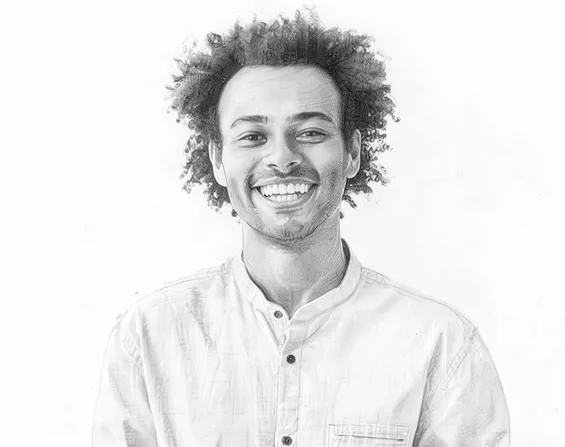
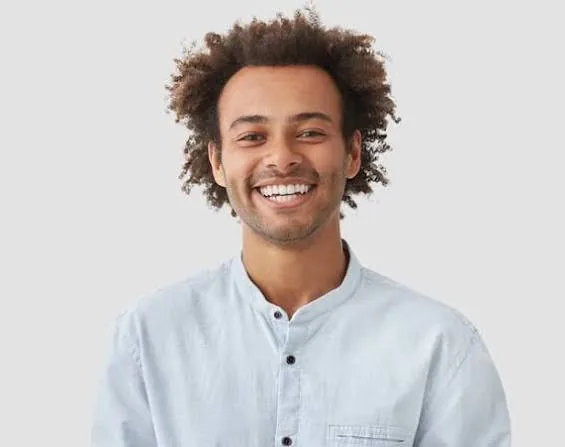
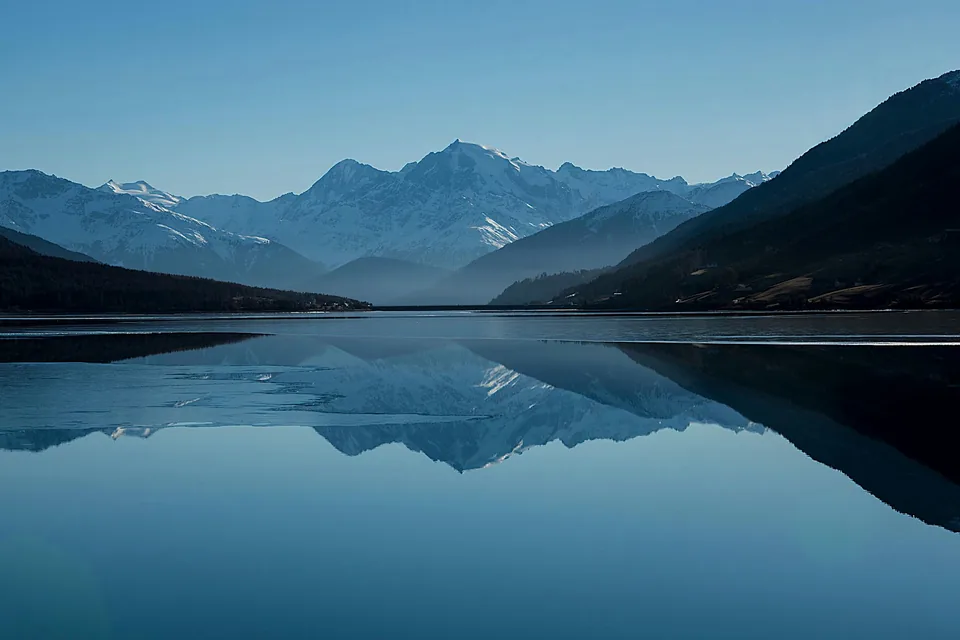
Picture to drawing AI takes an ordinary photo and redraws it by hand-drawing rules: outlines where edges are, shading where light falls off, paper where the background was. You don’t trace or adjust sliders. You pick a style, and the model draws the same subject the way a pencil, pen or brush would.
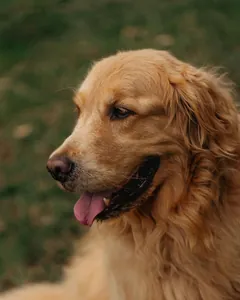
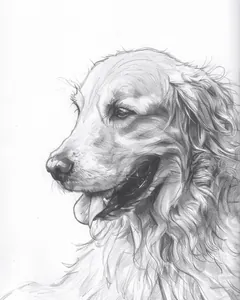
This picture to drawing converter keeps the subject recognizable while changing the medium: the face is still that face, and the dog is still your dog. Use it to make a sketch for a card, a line drawing to color in, or artwork for a product you sell.
How to turn a picture into a drawing
Add a photo
Drop it on the sheet above or choose a file. JPG, PNG, WEBP and iPhone HEIC photos all work; large photos are resized to 2048px in your browser before upload.
Pick a style
Pencil Sketch is selected to start. The 5 Basic styles are free. High quality styles, marked HQ, use 3 credits each.
Make the drawing
Press Make drawing and watch the progress bar. If the first attempt fails, we retry once automatically; if that fails too, your credit is returned.
Download it
Save the drawing as PNG or JPG. Line Art and Ink drawings made with credits also come as a transparent PNG for layering.
8 art styles explained
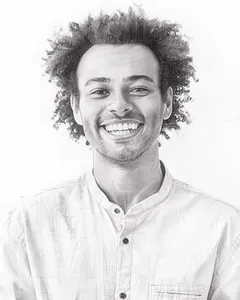
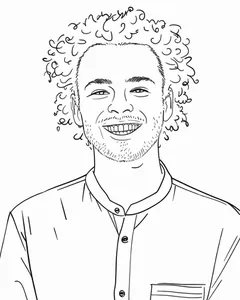
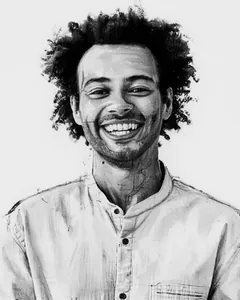
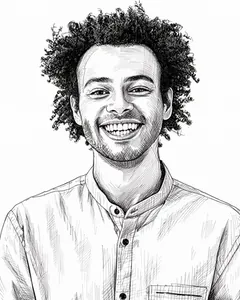
Each style is a different drawing medium. Basic styles cost 1 credit and are free within your daily 3; HQ styles use a stronger model for colour work and cost 3 credits.
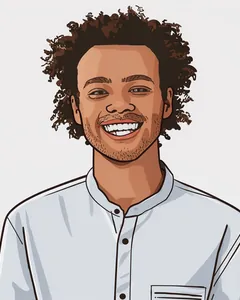
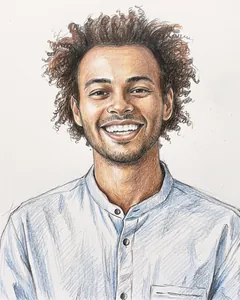
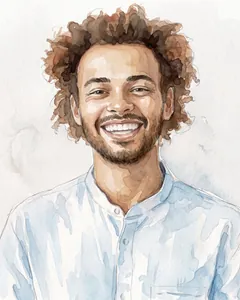
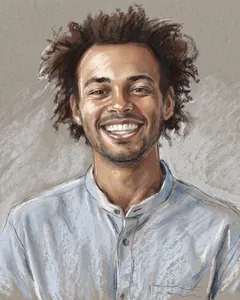
Why imagetodrawing
- Fast results
- A drawing appears on the same page while you wait, with a progress bar the whole time.
- No sign-up
- Start drawing straight away. Sign in when you buy credits.
- No pop-up ads
- Nothing covers the tool. Paid users see no ads anywhere on the site.
- 2048px files
- Drawings made with credits are 2048px on the long edge, print-ready up to Letter size.
- Commercial license
- Credits come with a commercial license, so you can sell, publish and print your drawings.
- Deleted automatically
- We delete your photo from our storage when processing finishes or fails. Drawings are scheduled for deletion from our storage after 24 hours.
Picture to drawing for coloring pages
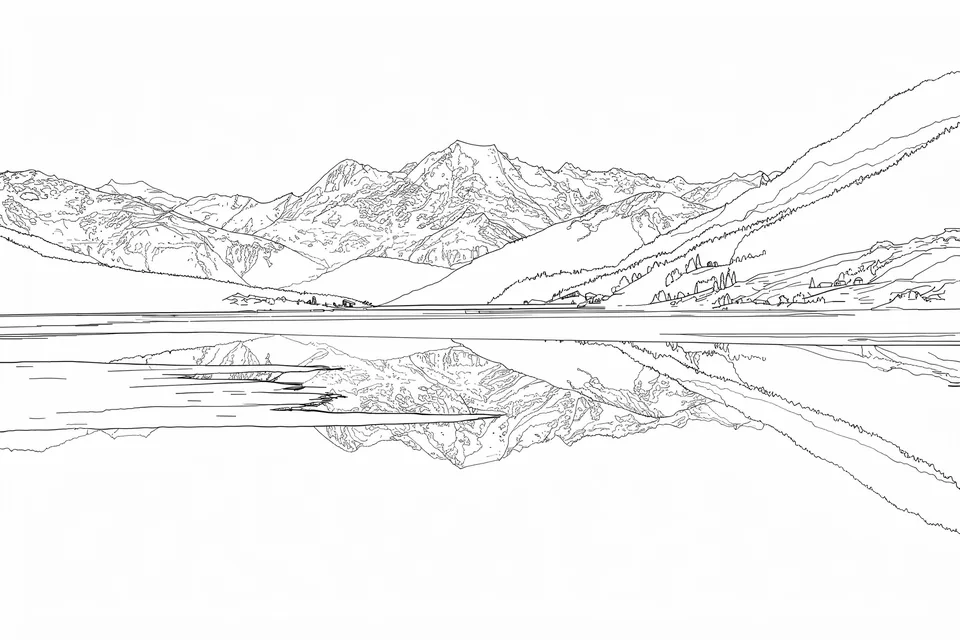
Want something to color in rather than a finished drawing? The Line Art style turns a photo into clean outlines on white with no grey shading, which prints well and colors cleanly. Our photo to coloring page tool starts in Line Art and adds printing tips.
Who uses it
- Teachers
- Turn class photos or field-trip pictures into worksheets and coloring sheets.
- Parents
- Make a coloring page of your child, the family pet or last summer’s beach.
- KDP and Etsy sellers
- Produce coloring-book pages and printable art with a commercial license.
- Content creators
- Get drawn thumbnails, avatars and illustrations without commissioning each one.
Questions
Is this picture to drawing converter free?
Yes. You get 3 free drawings a day without signing up, in the 5 Basic styles. Free drawings are 1024px, carry a small corner mark and are for personal use. Paid packs add the HQ styles, 2048px files without the mark and a commercial license.
How long does it take to convert a photo into a drawing?
It depends on the style: HQ styles take longer than Basic ones. A progress bar shows while the drawing is made, and if a drawing takes more than two minutes we stop it and return your credit.
Do I need to sign up?
Free drawings do not need an account. To buy credits, sign in with Google or an email link first. Your credits stay with that account on every device.
What image formats can I upload?
JPG, PNG, WEBP and HEIC. Photos larger than 2048px on the long edge are resized in your browser before upload, and the upload must be 8 MB or less.
Can I turn a picture into a coloring page instead of a drawing?
Yes. Choose the Line Art style for clean outlines with no shading, or use the photo to coloring page tool, which starts in Line Art and includes printing tips.
Can I use the output commercially?
Drawings made with paid credits include a commercial license: you can sell, publish and print them, including on KDP, Etsy and print-on-demand. Free drawings are for personal use only. You need the rights to the photo you upload.
Does it work with iPhone HEIC photos?
Yes. HEIC photos are converted to JPG in your browser before upload, so you can use photos straight from your iPhone.
Do you keep my uploaded photos?
We delete uploaded photos from our storage when processing finishes or fails. Drawings are available for 24 hours and scheduled for automatic deletion afterward. We do not use your photos or drawings for training or publish them as examples. To create your drawing, we send your photo to processing partners and model providers. Their retention and training rules follow their own policies; deletion from our storage does not mean they have deleted their copies.
What's the difference between pencil sketch and line art?
Pencil Sketch keeps light and shadow as soft grey shading, like a drawing from a sketchbook. Line Art keeps only the outlines in solid black on white, which is what you want for coloring pages, stencils and cutting machines.
Can I download without a watermark?
Drawings made with credits have no watermark. Free drawings have a small, semi-transparent corner mark that doesn’t cover the subject.