Photo to Line Art: Turn Any Photo into a Line Drawing or Outline
- Free
- No sign-up
- Black outlines on white
1. Your photo
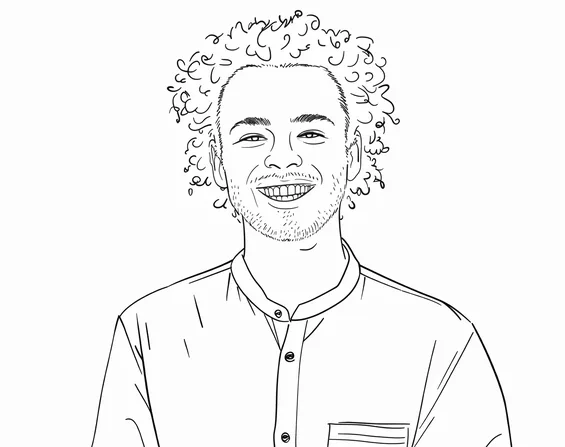
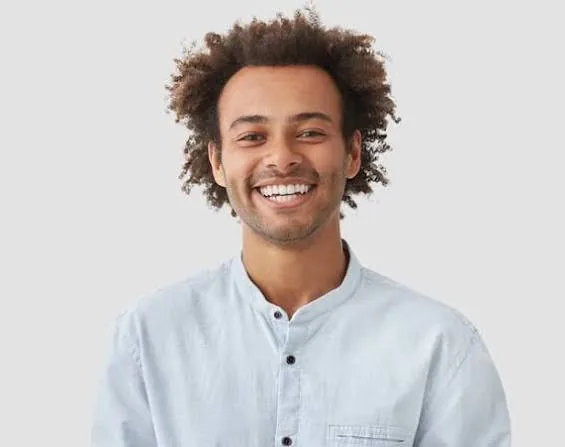
Checking available drawings…
Line art, line drawing or outline?
People call it different things. Line art, a line drawing and a photo outline all mean the same result here: the edges of your photo traced as solid black lines on white, with the grey shading left out.
That makes the result easy to trace, transfer, cut or color. If you want light and shadow instead, Pencil Sketch keeps them, and every other style is on our picture to drawing tool.
Photo to line art examples
Each line drawing below was made with this tool from one of our own photos, with no editing afterwards.
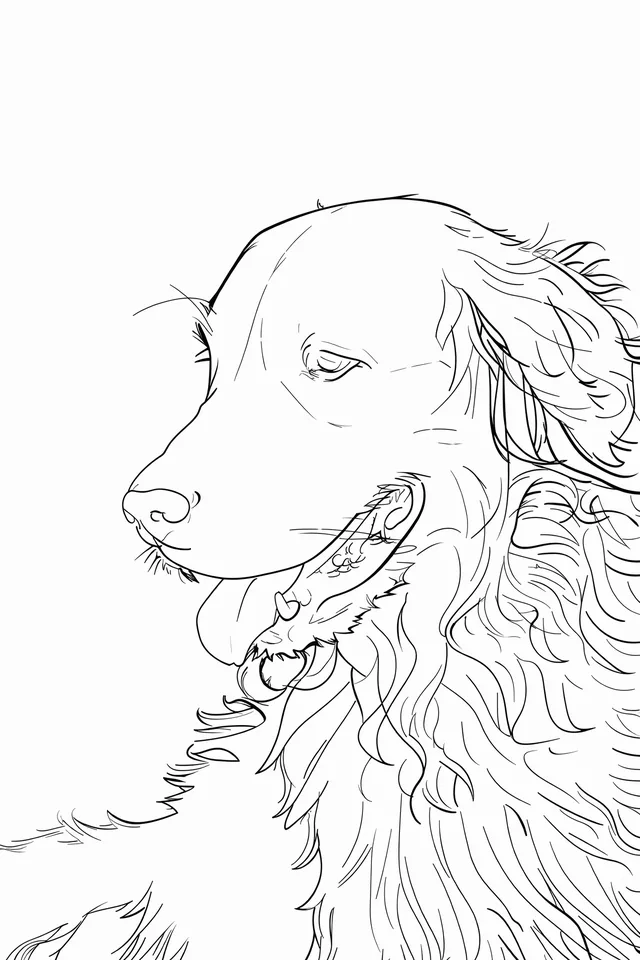
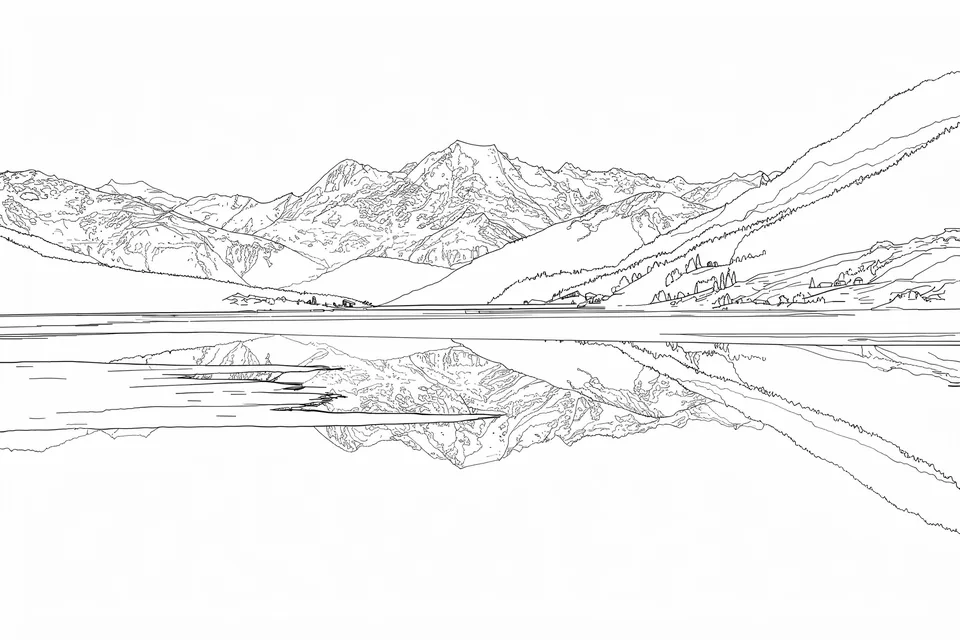
How to convert a photo to a line drawing
Add your photo
Drop it on the sheet above or choose a file. JPG, PNG, WEBP and iPhone HEIC photos work, up to 8 MB.
Keep Line Art selected
This page starts in Line Art. It is a Basic style, so it counts as one of your 3 free drawings a day, or 1 credit.
Download the outline
Save it as PNG or JPG. Drawings made with credits also come as a transparent PNG, where only the lines remain.
What people use photo line art for
- Tracing onto canvas
- Painters use the outline to place a portrait or a pet on canvas before they paint. Project it and trace it, print it and shade the back with graphite to transfer it, or draw a grid over the print and copy it square by square.
- Wood burning and laser engraving
- Print the outline and transfer it to the wood with graphite paper before you burn. Laser software such as LightBurn can trace a clean black and white PNG into vector paths, so you can tidy the lines there.
- Cricut and cutting machines
- Upload the transparent PNG to Cricut Design Space as a Print Then Cut image. Simple outlines with closed shapes can also be saved as a cut image; detailed line art with many small gaps usually cuts poorly.
- Embroidery and tattoo sketches
- Print the outline and trace it onto fabric with a water-soluble pen over a window or lightbox. Tattoo artists use it as a starting sketch to redraw into a stencil.
- Coloring pages
- Line art leaves the inside white, so it already works as a page to color. Our photo to coloring page tool starts in the same style and adds printing tips.
- Layers in design apps
- The transparent PNG from a credit drawing sits on top of a photo, a color background or a new layer in Canva or Procreate, so you can paint underneath the lines.
Which photos give clean line art
Gives clean lines
- A clear edge between the subject and the background
- Even light, so faces and fur show their shape
- A subject that fills most of the frame
- Sharp focus; blurry photos give broken, sketchy lines
Gives busy or broken lines
- Low light, deep shadows or a bright window behind the subject
- Busy patterns such as leaves, crowds or patterned clothes
- A small subject in a wide shot
- Screenshots and heavily compressed images
The tool draws every edge it can find. Crop to the subject and choose a photo with a calm background, and the outline comes out cleaner with fewer stray lines.
Free line art and line art with credits
- Free
- 3 drawings a day without an account. 1024px, a small corner mark, for personal use.
- With credits
- 2048px on the long edge, no mark, a transparent PNG as well as PNG and JPG, and a commercial license so you can sell or publish the result.
What this tool doesn’t do
The result is a PNG or JPG image, not an SVG. For a vector file, open the PNG in software that can trace images, such as Inkscape, Illustrator or LightBurn, and convert it there.
You can’t set line thickness or the amount of detail. If the result is too busy, crop closer or use a photo with a plainer background. For a little texture inside the shapes, try the Ink style.
Line art questions
Is this photo to line art converter free?
Yes. You get 3 free drawings a day without signing up, and Line Art is one of the free styles. Free drawings are 1024px, carry a small corner mark and are for personal use.
Can I get line art with a transparent background?
Yes, for drawings made with credits. Line Art and Ink drawings made with credits download as a transparent PNG as well as a regular PNG or JPG.
Can I download the outline as an SVG?
No. The tool makes PNG and JPG images. To get an SVG, trace the PNG in a program such as Inkscape, Illustrator or LightBurn.
What’s the difference between line art and a pencil sketch?
Line art keeps only the outlines in solid black on white. A pencil sketch keeps light and shadow as soft grey shading, so it looks finished but is harder to trace or color.
Why does my line drawing have too many lines?
The tool traces every edge in the photo, including busy backgrounds, patterns and texture. Crop closer to the subject or choose a photo with a plain background, then make the drawing again.
Can I sell products made from my line art?
Yes, if the drawing was made with paid credits, which include a commercial license, and you have the rights to the photo you uploaded.